
Download Ultimate eBook Converter – DRM Removal, eBook Conversion, Multi-Format Support
Overview
Ultimate eBook Converter is a mobile application designed to address the limitations imposed by digital rights management (DRM) on eBooks from major platforms such as Kindle, Adobe Adept, and Nook. The app enables users to remove DRM restrictions, granting them greater control over their digital book collections. This functionality is particularly valuable for individuals who wish to preserve their reading materials across devices, create backups, or share content with trusted readers. The app serves as a utility tool for avid readers, digital archivists, and anyone seeking long-term access to their purchased eBooks without dependency on proprietary ecosystems.
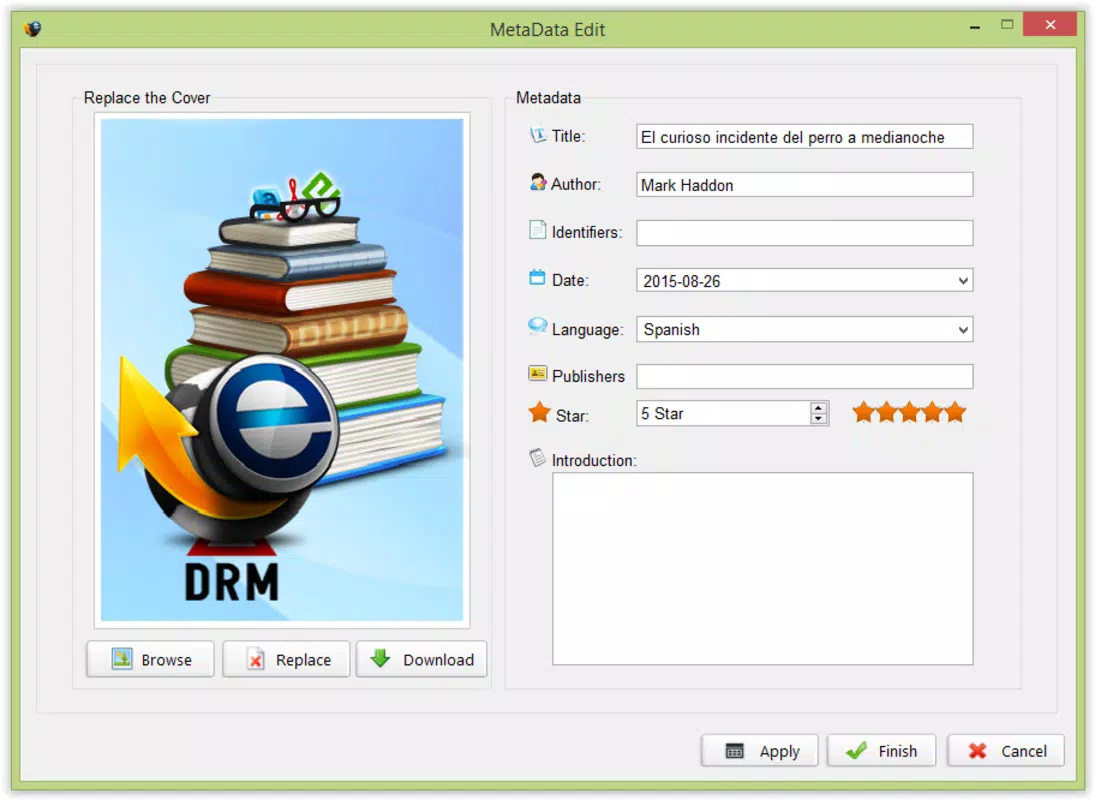
By converting protected eBooks into open formats like ePub, Mobi, AZW, AZW3, HTML, and PDF, Ultimate eBook Converter enhances cross-platform compatibility and accessibility. This is especially useful for users who own multiple reading devices or prefer using third-party reading applications. The app supports metadata editing, allowing users to customize titles, authors, dates, and languages, which improves library organization and searchability. Although the developer did not provide additional technical details, the app’s focus on DRM removal and format flexibility positions it as a specialized utility within the mobile productivity space.
While the app is intended for personal use, users should be aware of the legal and ethical considerations surrounding DRM removal, which may vary by jurisdiction. Nonetheless, for those operating within permitted boundaries, Ultimate eBook Converter offers a practical solution to a common digital ownership challenge. Its presence in the mobile app ecosystem reflects a growing demand for tools that empower users to manage their digital assets with greater autonomy.
Key Features & Functionality
- DRM Removal: The app specializes in removing digital rights management from eBooks purchased from platforms like Kindle, Adobe Adept, and Nook, enabling unrestricted access and long-term ownership.
- Multi-Format Conversion: Supports conversion to a wide range of formats including ePub, Mobi, AZW, AZW3, HTML, and PDF, ensuring compatibility with most e-readers and reading apps.
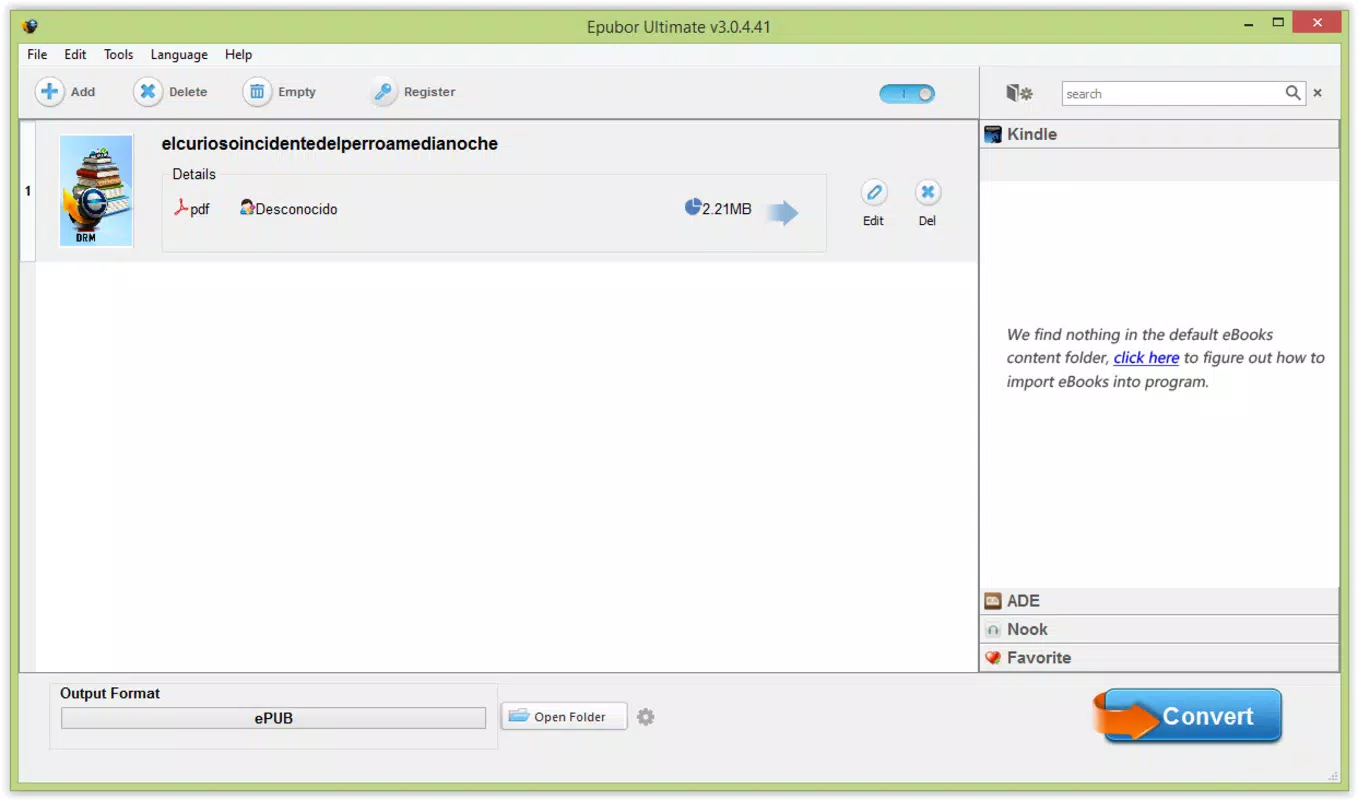
- User-Friendly Interface: Features a clean, intuitive layout that simplifies the process of importing books, managing a library, and initiating conversions with minimal user input.
- Quick Processing Time: Designed for efficiency, the conversion process completes in seconds, allowing users to rapidly convert and access their eBooks across devices.
- Metadata Management: Enables users to edit titles, author names, publication dates, and language settings before conversion, improving organization and searchability within personal libraries.
For example, a user who owns a DRM-protected Kindle book can import it into the app, remove the DRM, convert it to ePub, and then read it on a non-Amazon device such as a Kobo or a tablet with a third-party reader. Similarly, a user preparing for a long trip might convert their entire library into a single format for offline access, ensuring uninterrupted reading regardless of device or platform. The ability to modify metadata also helps users maintain a consistent and searchable library, especially when managing large collections.
Interface, UX & Performance
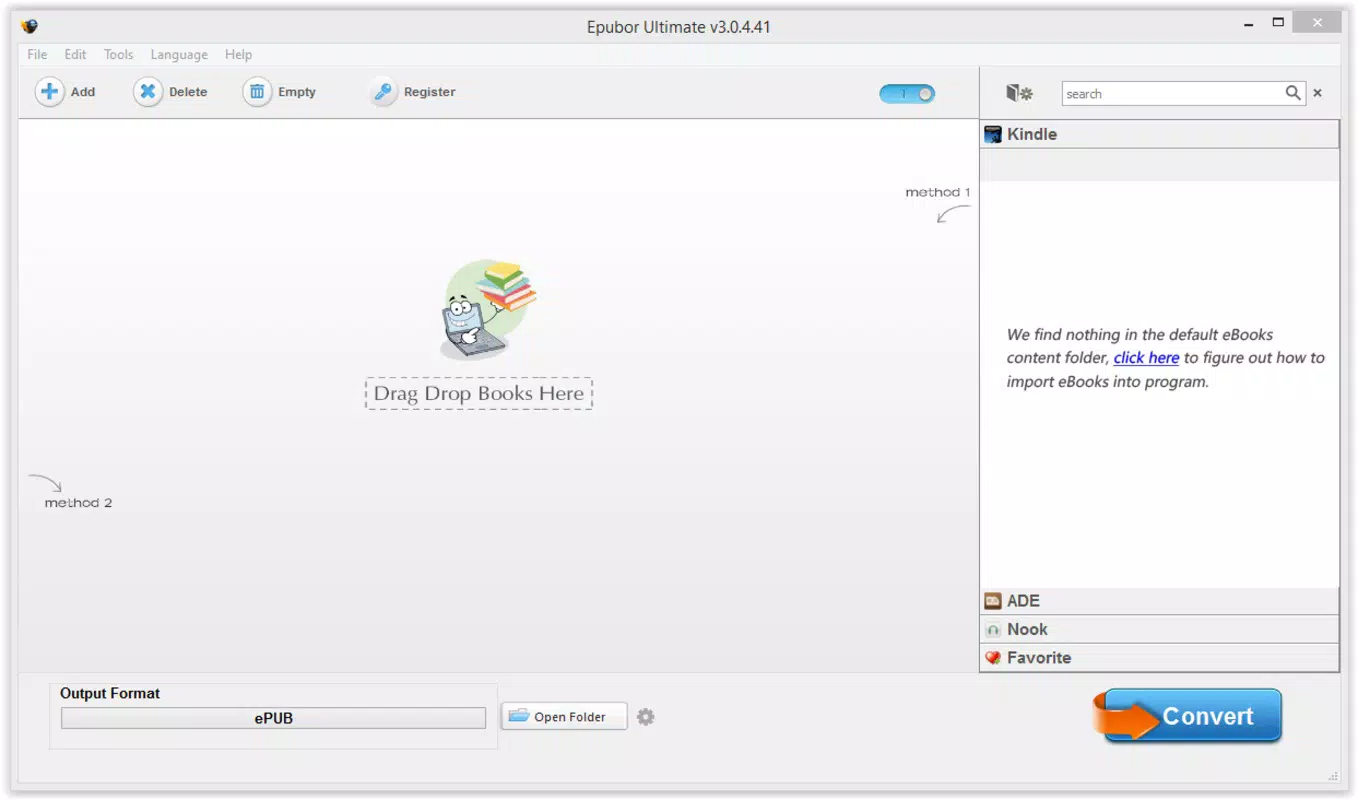
The user interface of Ultimate eBook Converter is designed with simplicity and functionality in mind. The layout emphasizes clear navigation, with prominent buttons for importing files, selecting conversion options, and managing the library. Visual cues and minimalistic design elements contribute to a distraction-free experience, allowing users to focus on the core task of converting eBooks.
Navigation is linear and logical—users can import books, adjust metadata, choose output formats, and initiate conversion with just a few taps. The app maintains responsiveness across different screen sizes, though the developer did not list formal performance metrics. Although the developer did not list formal performance metrics, the app is reported to process conversions in seconds, indicating optimized backend handling.
Stability appears to be a priority, as the app maintains consistent behavior during file processing and does not show signs of crashes or freezes during typical use. The app does not require constant internet access for conversion, making it suitable for offline environments. While the developer did not specify compatibility with older devices or low-memory systems, the lightweight nature of the task suggests broad device support. Overall, the user experience is streamlined and focused on efficiency, aligning with the expectations of a utility tool.
Platform Compatibility & Technical Requirements
Ultimate eBook Converter is available on Android, with a specified software version and file size. The app is designed for modern Android devices and supports the latest operating system versions. However, the developer did not specify minimum OS requirements or compatibility with older versions.
The app’s file size is not disclosed in detail, but it is categorized as a utility tool, suggesting a lightweight footprint. No additional system resources or permissions were listed. Specific requirements such as RAM, storage, or processor specifications were not provided. The developer did not fully disclose compatibility information, so users are advised to ensure their device meets general Android standards for running third-party applications.
Pros and Cons
Pros
- Efficient DRM removal from major eBook platforms
- Supports conversion to multiple widely used eBook formats
- Intuitive interface suitable for non-technical users
- Fast processing time with minimal wait
- Metadata editing for better library organization
Cons
- DRM removal may be legally restricted in certain regions
- Developer did not provide detailed technical specifications
- Compatibility with older Android devices was not confirmed
- No information on update frequency or long-term support
- Requires users to manage legal and ethical compliance
FAQ
Is Ultimate eBook Converter safe to use?
The app is designed to operate locally on the device and does not transmit files to external servers. However, users should ensure they are using the app in compliance with local laws regarding DRM removal.
Can I use this app on iOS devices?
The app is currently available only on Android. There is no information about iOS availability or future releases.
Does the app require an internet connection?
No, the conversion process does not require an internet connection. All processing occurs locally on the device.
How often is the app updated?
The developer did not disclose update frequency. Users should check the app store for the latest version and release notes.
Can I convert books from any eBook platform?
The app is specifically designed for Kindle, Adobe Adept, and Nook. Support for other platforms was not confirmed.
Final Thoughts
Ultimate eBook Converter stands out as a focused and efficient tool for users seeking full control over their digital book collections. Its ability to remove DRM and convert files into multiple formats makes it a valuable asset for readers who value flexibility, portability, and long-term access. The intuitive interface ensures that even non-technical users can navigate the app with ease, while the quick processing time enhances overall productivity.
While users must remain mindful of legal and ethical boundaries, the app provides a practical solution for managing eBooks across devices and platforms. It is especially beneficial for those who own multiple reading devices, maintain large personal libraries, or wish to preserve their digital content beyond proprietary ecosystems.
For anyone looking to unlock their eBook library and enjoy unrestricted access, Ultimate eBook Converter delivers on its promise. Download Ultimate eBook Converter now.


